Topiry



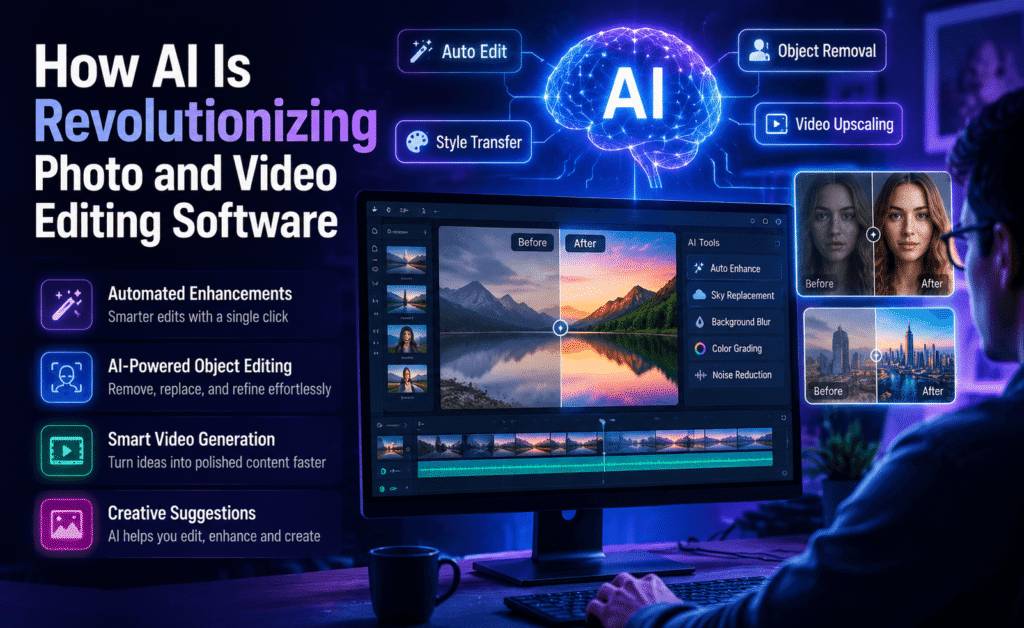
How AI Is Revolutionizing Photo and Video Editing Software
How AI Is Revolutionizing Photo and Video Editing Software
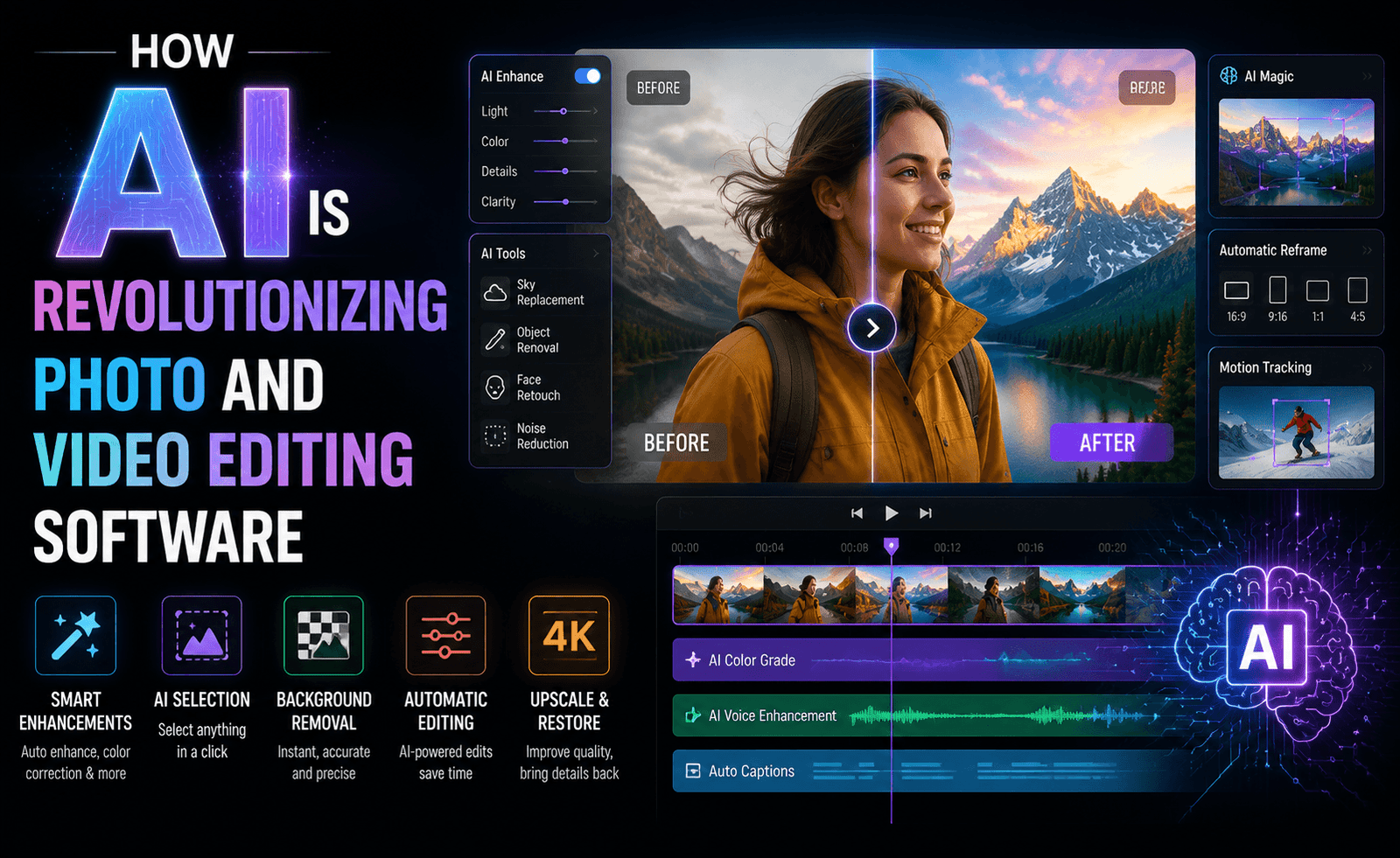
A decade ago, removing an object from a photo meant hours of manual cloning and patching. Today, it can take seconds. Artificial intelligence has quietly become one of the most transformative forces in creative software, reshaping how photographers and video editors work at every stage of the process — from the moment footage is imported to the final export. This isn’t a distant future trend; it’s already baked into the tools millions of people use every day.
In this article, we look at where AI is having the biggest impact on photo and video editing, which tools are leading the charge, and what this shift means for creators — both the opportunities it opens up and the legitimate concerns it raises.
Where AI Is Making the Biggest Difference
Automatic Color Correction and Grading
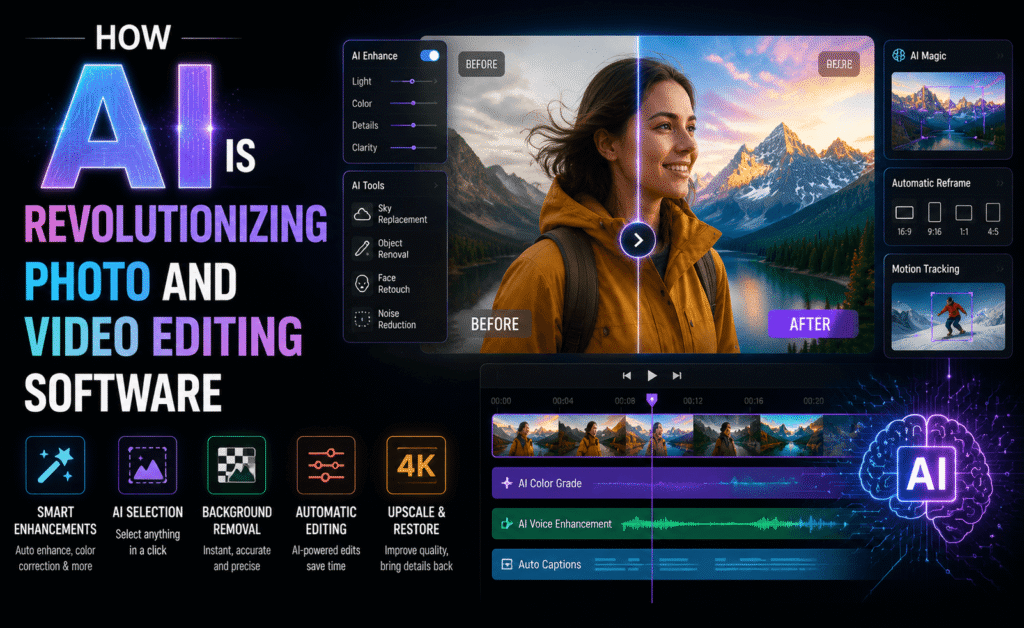
AI-driven color tools can now analyze an image or clip and apply intelligent corrections for exposure, white balance, and color grading in a fraction of the time manual adjustment would take. Instead of manually balancing every shot in a sequence, editors can apply AI-assisted matching across dozens of clips at once, ensuring visual consistency without hours of tweaking individual curves.
Object Removal and Content-Aware Fill
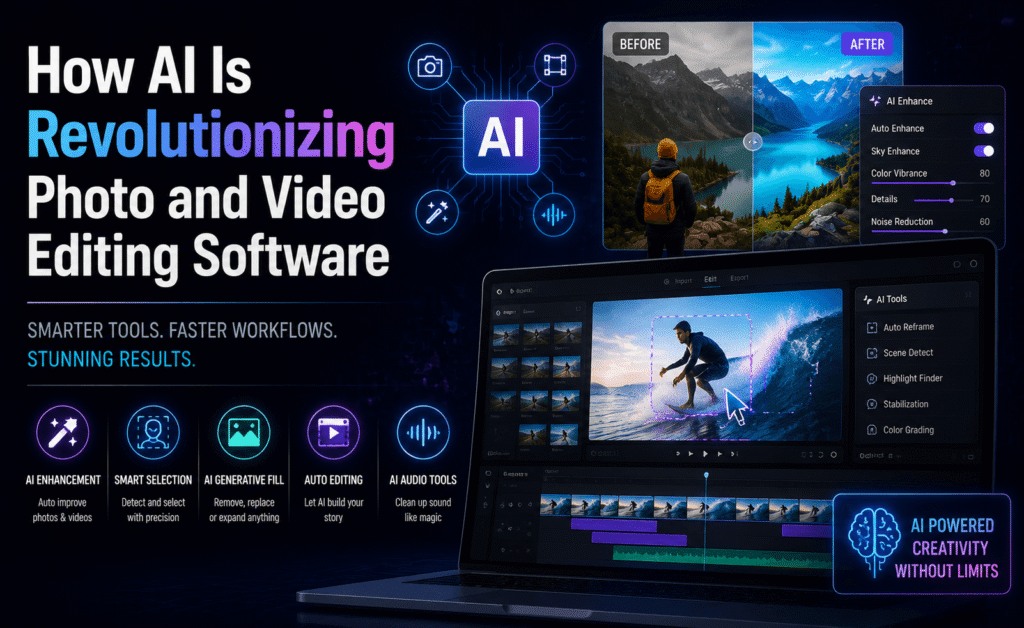
What used to require careful manual cloning is now largely automated. Modern AI tools can identify unwanted objects — a stray person in the background, a power line, a piece of trash — and intelligently fill the space using surrounding context, often producing results indistinguishable from the original scene. In video, this same technology can now track and remove objects across an entire moving sequence, not just a single frame.
Background Removal and Replacement
Isolating a subject from its background used to require painstaking manual masking, especially around hair or complex edges. AI-powered segmentation tools now handle this almost instantly, and the quality has reached a point where it’s genuinely usable for professional product photography and video compositing, not just quick social media edits.
Upscaling and Detail Enhancement
AI upscaling tools can intelligently add detail to low-resolution images and footage, going well beyond traditional interpolation. This has become especially valuable for restoring old photographs, enhancing footage shot on older cameras, and preparing lower-resolution assets for large-format printing or high-resolution displays.
Automatic Captions and Transcription
Speech-to-text AI has made auto-captioning nearly instantaneous and remarkably accurate, even across accents and background noise. For video editors, this alone can save hours per project, and it’s become an essential feature given how much social media content is watched without sound.
Smart Reframing and Aspect Ratio Conversion
AI can now analyze a frame, identify the subject, and intelligently reframe footage for different aspect ratios — converting a widescreen video into a vertical format for Reels or Shorts while keeping the subject properly centered, without an editor manually repositioning every single clip.
Tools Leading the AI Editing Movement
| Tool | Category | Notable AI Feature |
|---|---|---|
| Adobe Sensei / Firefly | Photo & Video | Generative fill, auto color matching |
| Luminar Neo | Photo | AI sky replacement, portrait enhancement |
| CapCut | Video | Auto captions, smart reframing |
| Runway | Video | AI-powered object removal & generative editing |
| Topaz Labs | Photo & Video | AI upscaling & noise reduction |
What’s notable about this list isn’t just the capability of each individual tool, but how quickly these features have moved from “impressive demo” to “expected baseline feature.” Auto captions, for instance, went from a novelty to something editors would consider strange to do manually, in a remarkably short span of time.
What This Means for Creators
The most immediate benefit is time. Tasks that once took hours — rotoscoping, detailed color matching, transcription — can now happen in minutes, freeing up creative energy for storytelling, composition, and the parts of the craft that genuinely require human judgment. For solo creators and small teams without a dedicated colorist, retoucher, or audio engineer, AI tools effectively provide access to specialist-level results without specialist-level budgets.
This also lowers the barrier to entry significantly. Beginners can now produce results that would previously have required years of technical skill, which means the competitive differentiator is shifting away from raw technical execution and toward taste, storytelling, and originality.
AI hasn’t replaced the editor’s eye — it’s replaced the tedious labor that used to stand between an idea and a finished result.
Legitimate Concerns Worth Considering
This shift isn’t without valid criticism. As AI-generated fill and enhancement tools become more powerful, questions around authenticity — particularly in journalism, documentary work, and photography competitions — have become more pressing. Several photography contests have already introduced explicit rules around AI-assisted editing, and this is likely to expand as the technology becomes more capable and harder to detect.
There are also concerns about creative homogenization. When thousands of creators rely on the same AI-driven presets and one-click enhancements, there’s a real risk of visual sameness creeping into content across platforms. The tools that offer the most creative value tend to be the ones that let editors adjust, override, and blend AI suggestions with manual control, rather than fully automating the process end-to-end.
Finally, there’s the practical matter of trust and file integrity — knowing when an image or clip has been substantially altered by AI matters for transparency, especially in professional and journalistic contexts. Expect more editing software to introduce built-in disclosure or metadata tagging for AI-assisted edits as this conversation continues to develop.
AI Tools for Photo Retouching in Detail
Portrait retouching is one of the areas where AI has advanced most visibly. Tools that once required manually painting masks around skin, hair, and clothing can now identify these regions automatically, allowing for targeted skin smoothing, blemish removal, and even subtle facial symmetry adjustments in a fraction of the time manual dodge-and-burn retouching would take.
AI relighting tools deserve particular attention. Rather than simply brightening or darkening an image uniformly, these tools can analyze the apparent light source in a photo and intelligently adjust shadows and highlights on a subject as though the lighting setup itself had changed — effectively giving photographers a second chance at lighting decisions made during the actual shoot. This is especially valuable for photographers working in less controlled environments, like events or street photography, where perfect lighting isn’t always achievable in the moment.
Batch AI processing has also changed how photographers handle large shoots. Wedding and event photographers, who might shoot several thousand images in a single day, can now apply AI-driven culling tools that flag blurry, poorly exposed, or duplicate shots automatically, dramatically reducing the manual sorting time that used to eat into the earliest and most tedious stage of post-production.
How to Integrate AI Without Losing Your Style
The creators who get the most value from AI editing tools tend to treat them as a starting point rather than a final answer. Running an AI color match or auto-enhancement pass and then manually adjusting the result to fit your personal style produces far more distinctive work than accepting the default output wholesale — and it’s usually faster than starting from scratch, giving you the best of both approaches.
It’s also worth developing an eye for where AI tools tend to struggle, so you know when to step in manually. Complex reflections, unusual lighting setups, and fine details like individual hair strands against busy backgrounds can still trip up even advanced AI segmentation and fill tools. Knowing these limitations in advance saves time you’d otherwise spend fighting the software to produce a result it wasn’t built to handle cleanly.
Finally, resist the temptation to apply every available AI enhancement simply because it’s there. Overuse of AI sharpening, skin smoothing, or saturation boosts is one of the fastest ways to produce images that feel artificial rather than polished. The most effective use of these tools is usually the most restrained one — enough to remove friction and save time, not so much that it overrides your own creative judgment.
A useful practice is periodically reviewing your own edits with the AI assistance turned off, at least for a portion of your work. This keeps your fundamental editing skills sharp and ensures you understand the underlying adjustments well enough to spot when an AI suggestion is genuinely helping versus when it’s simply the path of least resistance.
Looking Ahead
AI’s role in editing software is only going to deepen. Real-time AI color grading during filming, fully automated rough-cut assembly based on a script or outline, and even AI-assisted sound design tailored to picture are already emerging in early forms across various tools. The editors and photographers who benefit most from this shift won’t be the ones who avoid AI entirely, nor the ones who let it do all the creative thinking — they’ll be the ones who use it deliberately, as a tool that removes friction without removing their own creative voice from the final result.
Final Thoughts
AI has fundamentally changed what’s possible in photo and video editing software, compressing tasks that once took hours into seconds and giving individual creators capabilities that used to require entire specialist teams. Used thoughtfully, it’s an extraordinary creative accelerant. The editors who thrive going forward will be the ones who treat AI as a powerful assistant — not a replacement for the judgment, taste, and storytelling instincts that no algorithm can fully replicate.
About the Author