Topiry



Windsurf Review 2026: Cascade, Cognition, and the Future of Agentic IDEs
Windsurf Review 2026: Cascade, Cognition, and the Future of Agentic IDEs
Windsurf, the AI-native editor formerly known as Codeium, has had one of the more eventful eighteen months of any product in this category — culminating in its acquisition by Cognition AI, the team behind the autonomous coding agent Devin, in a deal reported in the hundreds of millions of dollars. With that acquisition now settled and the product roadmap starting to reflect Cognition’s ownership, we took a fresh look at what Windsurf offers today and where it’s headed next.
Background: From Codeium to Cognition
Windsurf was built from the ground up as a VS Code fork designed around agentic workflows rather than retrofitting AI onto an existing editor. Its acquisition by Cognition was, by most accounts, the largest AI developer-tools M&A deal to date, and it came with enterprise momentum already in motion — hundreds of enterprise customers and revenue that was reportedly doubling quarter over quarter at the time of the deal. Cognition’s stated plan is to eventually merge Windsurf’s editor experience with Devin’s autonomous agent capabilities, aiming for a combined product that spans both “AI-assisted while you type” and “fully autonomous while you’re away.”
Cascade: Windsurf’s Signature Feature
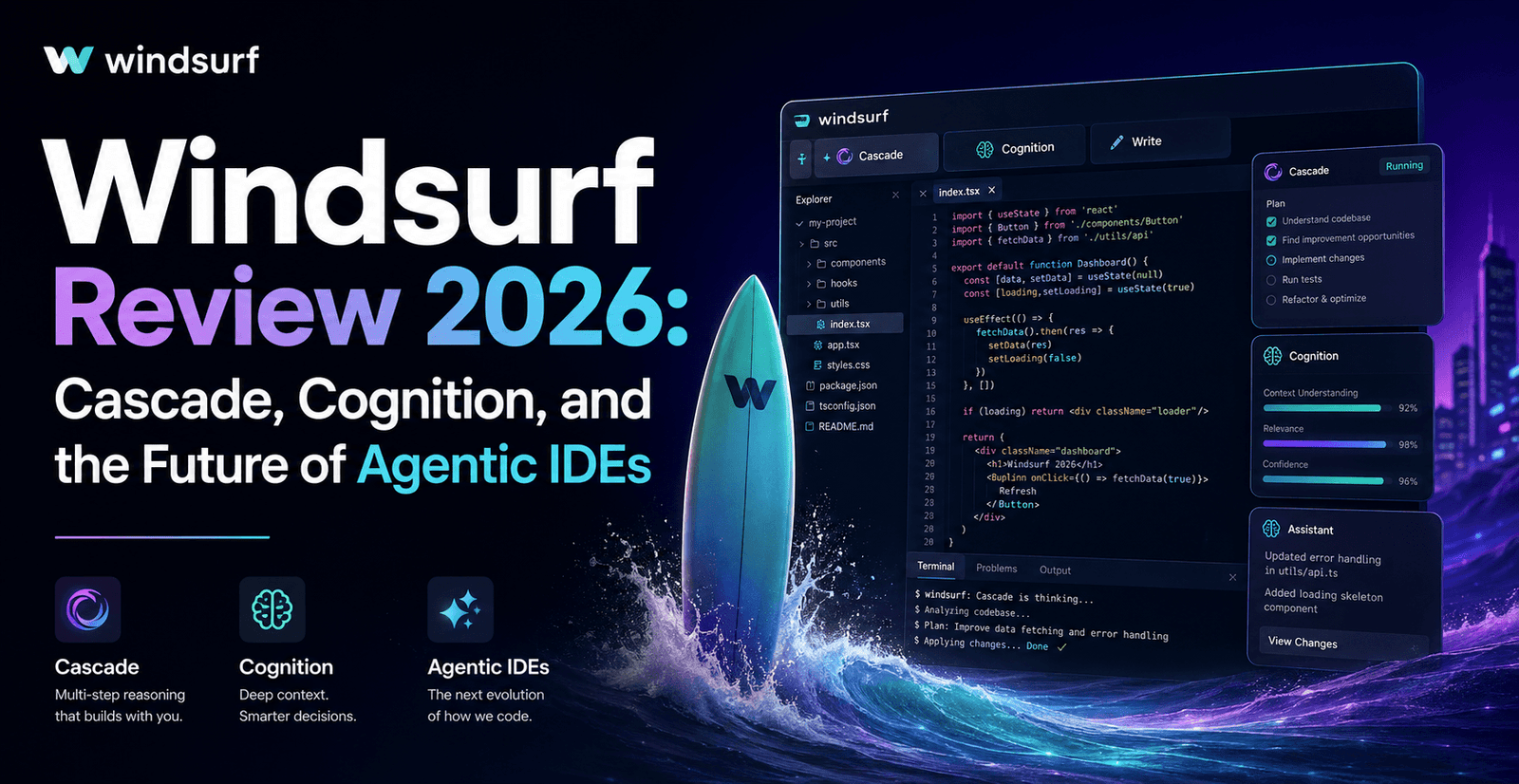
The centerpiece of Windsurf is Cascade, its agentic engine for multi-file edits, codebase reasoning, and refactoring. Cascade pairs with a feature called Fast Context, designed to give the agent a rapid, accurate picture of a codebase’s structure before it starts proposing changes — the idea being that better context up front means fewer wasted edits and less back-and-forth correction. In practice, Cascade holds up well against Cursor’s Composer on small-to-medium tasks, with a noticeably fast response time that testers consistently point to as one of Windsurf’s strongest differentiators.
Pricing
Windsurf’s pricing has changed more than once in the past year, moving away from a credit-pool model toward daily and weekly usage quotas that automatically refresh — a structure the company says is easier for developers to reason about than a dollar-denominated credit balance.
| Plan | Approx. Price | What You Get |
|---|---|---|
| Free | $0 | Unlimited Tab autocomplete plus a limited daily/weekly Cascade quota |
| Pro | ~$20/month | Unlimited Tab, a substantially larger Cascade quota, and access to the full current model lineup |
| Max | ~$200/month | The largest individual quota, for developers running Cascade on large codebases for hours a day |
| Teams | ~$40/seat | Shared admin controls, pooled usage, and SSO options |
| Enterprise | Custom | Doubled per-seat quota versus Teams, RBAC, SSO/SCIM included, and longer context windows |
Windsurf has revised its pricing structure multiple times over the past year; treat the numbers above as a snapshot and verify current tiers directly with Windsurf before committing a team to a plan.
Hands-On Impressions
Speed is the standout quality
Across our testing, Cascade’s response latency was consistently the fastest of any agentic tool we compared it against for similarly scoped tasks. For developers who spend all day in short, iterative loops with an agent, that speed advantage compounds quickly — fewer seconds of waiting per request adds up to meaningfully more completed work across a full day.
Fast Context genuinely reduces wasted edits
One of the most common frustrations with agentic coding tools is watching an agent confidently edit the wrong file because it misunderstood how a codebase is organized. Windsurf’s Fast Context noticeably reduces how often this happens by front-loading a more accurate map of the repository before Cascade starts proposing changes — the kind of quiet infrastructure improvement that doesn’t show up in a feature list but is very obvious in day-to-day use.
The Cognition roadmap is worth watching, not yet fully realized
The promise of combining Windsurf’s editor with Devin’s autonomous capabilities is compelling on paper, but as of this review the two products still feel distinct — Windsurf remains an in-editor assistant rather than a fully autonomous background agent in the way Devin itself is designed to be. Prospective buyers should evaluate Windsurf for what it does today rather than for the roadmap, however promising that roadmap looks.
Model selection is more curated than Cursor’s
Where Cursor leans into letting you hand-pick almost any frontier model for a given task, Windsurf’s model lineup is more curated by the company itself. This trade-off cuts both ways: less choice, but also less chance of accidentally reaching for an expensive model out of habit and burning through your quota faster than necessary.
Strengths
- Consistently the fastest agentic response times among the tools we tested.
- Fast Context meaningfully reduces misdirected edits on unfamiliar codebases.
- Quota-based pricing is easier to reason about day-to-day than a dollar-denominated credit pool.
- Strong enterprise momentum and backing following the Cognition acquisition, suggesting long-term investment in the product.
- Generous free tier relative to competitors, good for students and hobbyists evaluating the category.
Weaknesses
- Less model choice than Cursor for developers who want to hand-pick a specific frontier model per task.
- The promised deeper integration with Devin’s autonomous capabilities is still more roadmap than shipped reality.
- Pricing structure has changed multiple times in a short window, which makes long-term budgeting slightly harder to pin down.
Security and Enterprise Options
Following the Cognition acquisition, Windsurf has invested noticeably in its enterprise story. The Enterprise tier adds RBAC and SSO/SCIM as included features rather than paid add-ons, along with longer context windows for larger codebases and a doubled per-seat quota compared with the Teams plan. Hybrid deployment options for regulated industries are listed as forthcoming, which is worth confirming directly with Windsurf’s sales team if data residency is a hard requirement for your organization before you commit to a migration.
Windsurf vs. the Rest of the Field
Against Cursor, Windsurf trades some model flexibility for a snappier day-to-day feel and a somewhat gentler price at the Pro tier. Against GitHub Copilot, Windsurf’s Cascade agent is considerably more capable at multi-file agentic work, though Copilot still wins on native GitHub integration and unmetered completions. Against Claude Code, Windsurf offers a more approachable graphical experience for developers who aren’t ready to commit to a terminal-first workflow, at the cost of somewhat less autonomous depth on the largest, messiest tasks. Many developers who tried Windsurf specifically after reading about the Cognition acquisition report being pleasantly surprised that the core editor experience feels more refined now, not just differently branded.
What to Watch For Next
The most interesting open question for Windsurf in the next year is how much of Devin’s autonomous, background-agent DNA actually makes its way into the core editor experience. If Cognition succeeds in merging the two products’ strengths, Windsurf could end up offering both ends of the spectrum — fast, in-editor collaboration through Cascade and fully autonomous background work through a Devin-powered mode — within a single subscription. Until that materializes, it’s worth evaluating Windsurf for its current strengths rather than banking on a future roadmap, however promising the direction looks on paper.
Frequently Asked Questions
Is Windsurf built on VS Code like Cursor? Yes, Windsurf is also a VS Code fork, so most extensions and keyboard shortcuts developers already know will carry over with minimal adjustment.
Can I bring my own model API key to Windsurf? Unlike Cursor, Windsurf does not currently support bring-your-own-key configurations — you use the models included in your subscription tier.
How generous is the free tier in practice? The free tier includes unlimited Tab autocomplete and a limited daily/weekly Cascade allowance, generous enough for students, hobbyists, and anyone evaluating the tool before committing to Pro.
Will Cognition’s ownership change how Windsurf handles my code? Windsurf’s published data-handling terms have not fundamentally changed post-acquisition, though it’s worth checking the current privacy policy directly if your organization has strict vendor-change compliance requirements.
Who Should Use Windsurf?
Windsurf is a strong fit for developers who prioritize raw responsiveness and a smooth day-to-day editing loop over having the widest possible menu of models to choose from. It’s also an easy recommendation for anyone evaluating the AI-native editor category on a budget, thanks to a genuinely usable free tier and a Pro plan priced competitively against Cursor.
A Closer Look at Fast Context
It’s worth dwelling on Fast Context a little longer, because it’s the piece of engineering that quietly underpins most of what makes Windsurf feel different day to day. Rather than relying purely on the model to figure out codebase structure from scratch on every request, Fast Context maintains a continuously updated index of the project, letting Cascade retrieve exactly the files and symbols relevant to a task before generating a plan. In practice, this shows up as fewer “wait, why did it touch that file” moments compared with tools that reconstruct context from a cold start on every session. For large, unfamiliar codebases — the kind you inherit after a team reorg or an acquisition — this indexing advantage is more noticeable than it might sound on paper, and it’s a big part of why testers consistently rate Windsurf highly for onboarding onto new repositories quickly.
Migrating From Another Editor
Because Windsurf is a VS Code fork, migrating an existing setup is mostly painless: settings sync, most extensions install without modification, and keybindings can be imported directly. The bigger adjustment for teams coming from Cursor tends to be the more curated model lineup — engineers used to manually switching between several frontier models for different tasks will need to get comfortable trusting Windsurf’s own model selection more of the time. Most teams report that this adjustment takes a week or two before the workflow feels natural, and several told us they didn’t miss the manual model-picking as much as they expected to once Cascade’s default choices proved reliable enough on their day-to-day tasks.
Final Verdict
Windsurf has emerged from its acquisition drama with a faster, more focused product and serious backing behind its future roadmap. It doesn’t quite match Cursor’s model flexibility or Claude Code’s raw autonomy, but for developers who value speed and a clean day-to-day experience, it’s one of the most pleasant AI-native editors available today. Rating: 4.3 out of 5.
About the Author