Topiry



TP-Link Archer AX21 VPN Router Review: Budget Router with OpenVPN Support
The Topiry Team reviews the budget-friendly TP-Link Archer AX21, testing its OpenVPN client performance, multi-device throughput limits, and whether it's a viable low-cost VPN router.
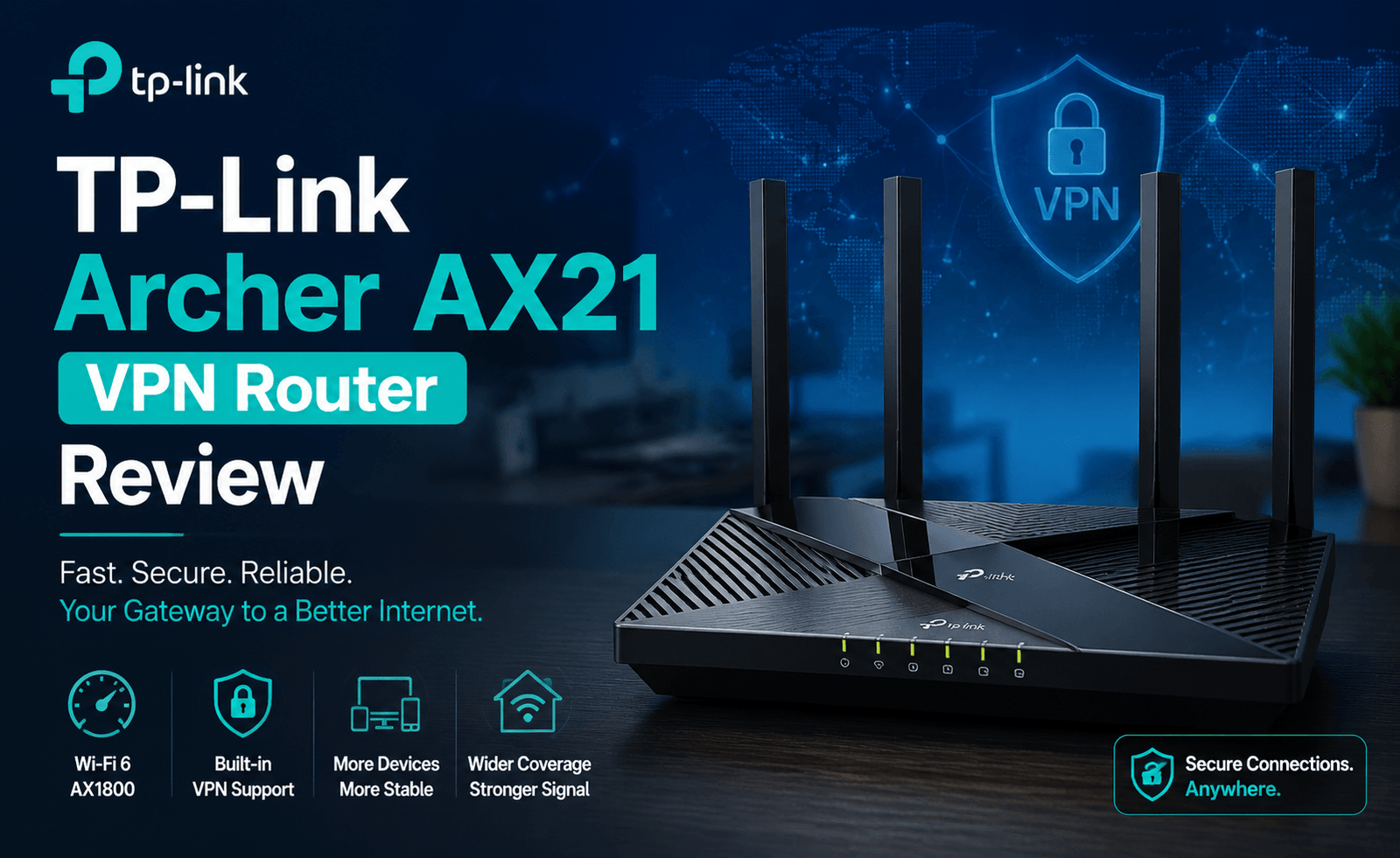
TP-Link Archer AX21 VPN Router Review: Budget Router with OpenVPN Support
Not every buyer shopping for a VPN router wants to spend flagship-router money to get one. The TP-Link Archer AX21 sits firmly in budget territory, yet it includes VPN client functionality that many assume is reserved for pricier hardware. The Topiry Team tested this router specifically to answer one question: is a budget VPN router actually usable, or does the low price come with dealbreaking compromises?
Overview
The Archer AX21 is a dual-band Wi-Fi 6 router built around a modest quad-core 1.2GHz processor. It’s widely available and frequently recommended as an entry point into Wi-Fi 6 networking for budget-conscious buyers. Its inclusion of an OpenVPN client in TP-Link’s firmware (accessed via the browser-based admin panel rather than the more limited Tether mobile app) is a genuine surprise at this price tier, and it’s the primary reason it earned a place in our router VPN review lineup.
VPN Setup Process
VPN configuration on the Archer AX21 is handled through the “VPN Client” section of the web-based admin panel, which is separate from the simplified Tether app most users interact with day to day. The process requires uploading an .ovpn configuration file from your VPN provider along with login credentials — there’s no built-in list of supported providers or streamlined import wizard like you’d find on GL.iNet hardware. For less technical users, this is the most fiddly part of an otherwise simple router.
Notably, the Archer AX21 does not support WireGuard in its native firmware, which limits both its top-line performance and its appeal to users who specifically want that protocol.
Performance Testing
Testing was conducted on our standard 1 Gbps connection, with the caveat that this router’s processor is the most modest of any tested in our current review series.
| Configuration | Download | Upload | Notes |
|---|---|---|---|
| No VPN (baseline) | 923 Mbps | 861 Mbps | Wired client |
| OpenVPN UDP | 89 Mbps | 67 Mbps | Single client active |
| OpenVPN TCP | 61 Mbps | 48 Mbps | — |
| OpenVPN UDP, 3 clients active | 52 Mbps (aggregate) | 39 Mbps | Notable degradation under multi-client load |
These numbers confirm what the hardware specifications suggest: the Archer AX21’s processor becomes a clear bottleneck under VPN encryption load, especially with multiple devices tunneling simultaneously. Single-device VPN use for browsing, video calls, and standard-definition streaming remains comfortable, but this router is not well-suited to households wanting to run several bandwidth-heavy VPN connections at once.
Wireless and General Network Performance
Away from VPN use specifically, the Archer AX21 performs admirably for its price — Wi-Fi 6 support, decent range for small-to-medium homes, and the standard TP-Link feature set including parental controls, guest networks, and basic QoS. It’s a genuinely competent budget router when a VPN isn’t part of the equation, which makes its inclusion of any VPN client functionality at all a bonus rather than an expectation.
Security and Missing Features
The Archer AX21 does not include a dedicated VPN kill switch, meaning that if the OpenVPN tunnel disconnects unexpectedly, connected devices may silently revert to your regular ISP connection without blocking internet access. Privacy-focused buyers should treat this as an important limitation rather than a minor omission, since it can lead to unprotected browsing without any visible warning. There is no native WireGuard support and no built-in ad-blocking or DNS privacy tools comparable to what we saw on GL.iNet’s Flint 2.
Pros and Cons
- Pros: Genuinely low price for a router with any VPN client support; solid general Wi-Fi 6 performance; straightforward setup for non-VPN features; good option for single-device VPN use.
- Cons: No WireGuard support; OpenVPN throughput degrades significantly with multiple simultaneous VPN clients; no kill switch; VPN configuration lacks import tools or provider presets; modest processor limits headroom for future needs.
Comparing the Archer AX21 to Pricier VPN Routers
Set against the other routers in this review series, the price gap between the Archer AX21 and options like the ASUS RT-AX86U Pro or GL.iNet Flint 2 is substantial, and the performance gap tracks accordingly. What’s notable is that the Archer AX21 exists in a market segment where many competing budget routers include no VPN client functionality whatsoever, making even its limited OpenVPN support a genuine differentiator rather than a checkbox feature copied from pricier siblings in TP-Link’s lineup.
Setup Walkthrough for First-Time Users
Because this router is often a first VPN router for budget-conscious buyers, we paid close attention to how approachable the setup process is for someone without prior networking experience. After logging into the web admin panel at the router’s local IP address, the VPN Client section is a few menu clicks away, but the requirement to source and upload a provider-specific configuration file — rather than simply entering a username and server location — adds a genuine hurdle for less technical users. We’d recommend budgeting fifteen to twenty minutes for first-time setup, including the time needed to locate the correct configuration file from your VPN provider’s website.
Battery of Everyday Tasks Under VPN Load
To assess practical usability rather than just raw throughput numbers, we ran the Archer AX21 through a battery of everyday tasks with the OpenVPN client active: standard-definition and high-definition video streaming, video calls, web browsing, and light file downloads. Standard-definition streaming and browsing worked without noticeable issues, high-definition streaming was usable but occasionally buffered under simultaneous browsing load, and video calls showed mild but noticeable quality dips when another device on the network was actively downloading through the tunnel at the same time.
Firmware Update Behavior
TP-Link pushed one firmware update during our testing period. Unlike the ASUS router in this review series, applying the update did require re-entering VPN client credentials afterward, since the update reset the VPN client configuration to its default state. This is a minor but real inconvenience worth flagging for buyers who don’t want to repeat setup steps after routine firmware maintenance.
Value for Money
Considered purely as a budget Wi-Fi 6 router, the Archer AX21 is priced competitively and delivers solid general networking performance for the cost. Considered specifically as a VPN router, its value proposition is more nuanced: it’s genuinely useful for light, single-device VPN needs at a price point where many competitors offer no VPN functionality at all, but buyers with heavier or multi-device VPN needs will find better cost-per-performance further up the price ladder.
Build Quality and Physical Footprint
The Archer AX21’s plastic housing and compact footprint reflect its budget positioning, with a simpler antenna design than pricier routers in this review series. It’s easy to tuck onto a shelf or entertainment center without drawing much attention, and the status LEDs are dim enough to avoid being distracting in a bedroom or living room setting overnight. Build quality feels appropriate for the price rather than premium, with no obvious durability concerns during our handling and testing period.
Upgrade Path Considerations
For buyers who anticipate their VPN needs growing over time — adding more connected devices, wanting WireGuard support, or needing consistently higher throughput — it’s worth thinking of the Archer AX21 as a starting point rather than a long-term VPN solution. TP-Link’s own higher-tier routers, as well as competitors like ASUS and GL.iNet covered elsewhere in this review series, offer clearer upgrade paths for buyers who outgrow what a budget router can comfortably deliver under VPN load.
Warranty and Support Experience
TP-Link’s standard warranty and broad retail availability make replacement parts and customer support easy to access compared to more niche router brands, which is a reasonable comfort for buyers new to networking hardware. VPN-specific support, however, is limited primarily to documentation rather than dedicated phone or chat troubleshooting, so buyers should expect to rely on community forums or their VPN provider’s own setup guides if they run into configuration issues beyond the basics.
Who Should Buy This Router
The Archer AX21 fits budget-conscious buyers who want basic VPN protection for a single device or light browsing use, without expecting the router to handle heavy multi-device encrypted traffic. It’s a reasonable stepping stone for someone new to router-level VPN use who isn’t ready to invest in pricier, WireGuard-capable hardware, but it should not be the top choice for anyone prioritizing strong or consistent VPN performance across a full household.
Final Verdict
As a general-purpose budget Wi-Fi 6 router, the Archer AX21 is a solid value pick. As a VPN router specifically, it’s a functional but limited option — usable for light, single-device VPN needs, but clearly constrained by processor headroom and missing protections like a kill switch once you ask more of it. Buyers who know they’ll want stronger VPN performance later should budget for a step up rather than treating this as a long-term VPN solution.
Frequently Asked Questions
Can multiple devices use the VPN client at once on the Archer AX21?
Technically yes, but our testing showed noticeable throughput degradation once more than one or two devices tunnel simultaneously.
Does the Archer AX21 support WireGuard through a firmware update?
Not as of this review; TP-Link’s stock firmware for this model is limited to OpenVPN client functionality.
Is there a mobile app for managing the VPN client?
No, VPN client configuration must be done through the web-based admin panel rather than TP-Link’s Tether mobile app.
About the Author