Topiry



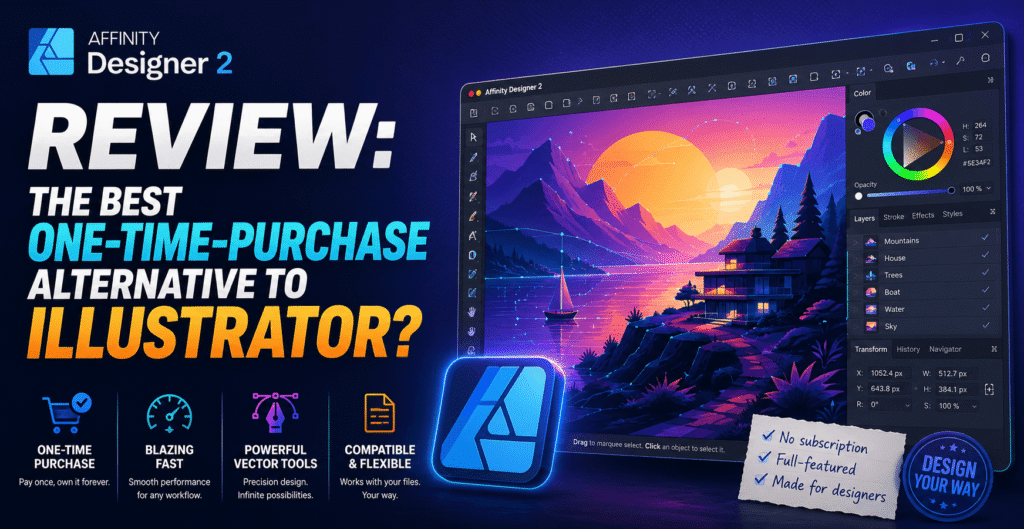
Affinity Designer 2 Review: The Best One-Time-Purchase Alternative to Illustrator?
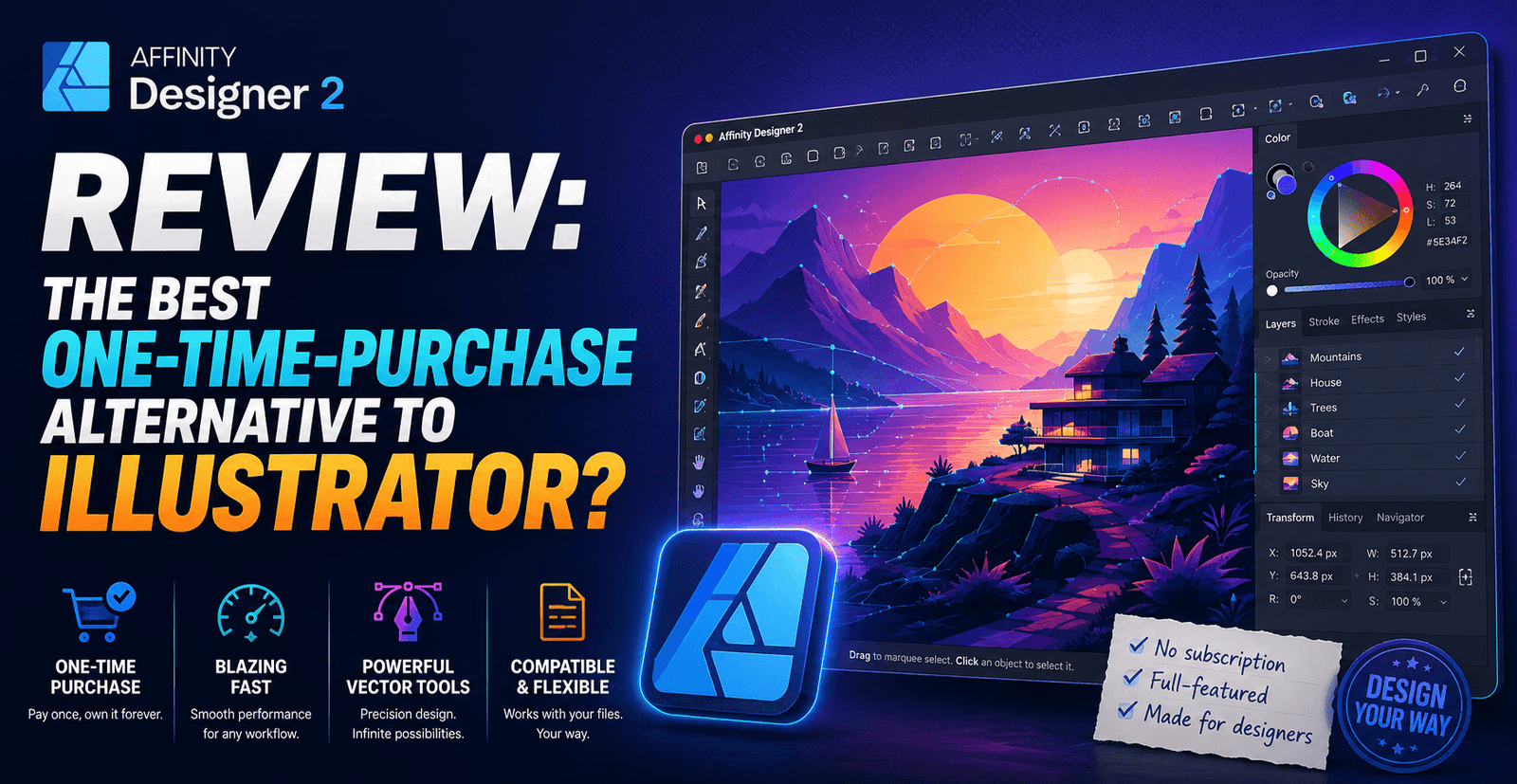
Affinity Designer 2 Review: The Best One-Time-Purchase Alternative to Illustrator?
For every designer frustrated by Adobe’s subscription-only model, Affinity Designer has long been the name whispered as the escape route. Developed by Serif, Affinity Designer 2 is a full-featured vector design application sold as a one-time purchase rather than a monthly subscription — a pricing philosophy that alone has earned it a devoted following. But the real question for anyone considering a switch from Illustrator is whether Affinity Designer can genuinely replace it in a professional pipeline, or whether it’s better suited as a budget-friendly companion tool. We put it through extensive testing across branding, illustration, and print design work to find out.
Background: Who Makes Affinity Designer?
Affinity Designer is part of a broader creative suite from Serif that also includes Affinity Photo and Affinity Publisher, all sold under a unified pricing model and designed to work together seamlessly — think of it as an independent, non-subscription answer to Adobe’s Illustrator, Photoshop, and InDesign trio. Since Canva’s acquisition of Serif, the Affinity suite has continued to develop, and the acquisition has if anything accelerated feature development rather than slowing it, addressing a common worry among longtime users when the deal was first announced.
Interface and First Impressions
Affinity Designer’s interface will feel immediately familiar to anyone coming from Illustrator — toolbars on the left, contextual properties on the right, and a similar logic to layers, artboards, and selection tools. The standout structural feature is the “Persona” system, which lets you switch between Vector, Pixel, and Export personas within the same document. This means you can build a vector illustration, switch to pixel mode to add raster textures or painted effects, and then jump to the export persona to generate optimized assets for web or print — all without leaving the file or exporting between separate applications.
This persona-based workflow is genuinely one of Affinity’s smartest design decisions, and it addresses a real pain point that Illustrator users have dealt with for years: needing to bounce between Illustrator and Photoshop constantly for mixed vector/raster work. Having that flexibility built into a single file and a single application is a meaningful efficiency gain, particularly for illustrators and brand designers who blend vector shapes with painted textures regularly.
Vector Tools and Precision
Where Affinity Designer earns the most professional respect is in the quality of its core vector tools. The pen tool, node editing, and boolean operations all feel precise and responsive, with none of the sluggishness that sometimes creeps into Illustrator on complex, layer-heavy files. Affinity’s approach to boolean operations (add, subtract, intersect, and divide) is notably fast even on complicated compound shapes, and the app handles gradients, meshes, and dynamic symbols competently.
Typography tools have improved substantially over recent updates, closing what used to be a meaningful gap with Illustrator — OpenType feature support, advanced kerning controls, and text-on-path tools are all present and reliable. Where Illustrator still holds a slight edge is in extremely specialized typographic work and some advanced pattern/brush tools that decades of professional plugin development have built up around Adobe’s ecosystem.
File Compatibility With Adobe Tools
This has historically been one of the biggest concerns for studios considering a switch, and Affinity Designer 2 handles it better than most expect. It can open and edit native Adobe Illustrator (.ai) and Photoshop (.psd) files directly, preserving layers, text, and effects in the vast majority of cases. Complex files with heavy use of Illustrator-specific effects or scripted automation may not translate perfectly, but for standard branding and illustration work, cross-compatibility is strong enough that mixed Adobe/Affinity teams can realistically collaborate on shared projects without constant headaches.
Export options are comprehensive as well, supporting SVG, PDF, EPS, and all standard raster formats, along with batch export presets that make generating multiple asset sizes (app icons, social media variants, print-ready files) straightforward.
Pricing: The Biggest Selling Point
Affinity Designer is sold as a one-time purchase rather than a subscription, which remains its single most compelling differentiator against Adobe’s tools. There are no recurring fees, no risk of losing access to your files if you stop paying, and major version upgrades (like the jump from Affinity Designer 1 to 2) are typically offered at a discounted upgrade price rather than forcing a full repurchase. For freelancers, students, and small studios watching every line item in their budget, this pricing model alone can make the switch worthwhile even if some advanced features lag slightly behind Illustrator.
The full Affinity suite (Designer, Photo, and Publisher together) is also available as a bundle at a price that undercuts even a single month of a typical Adobe Creative Cloud subscription, which is a striking contrast when laid out side by side.
Pros and Cons
- Pros: One-time purchase with no subscription, excellent Persona-based mixed vector/raster workflow, strong Adobe file compatibility, fast and precise core vector tools, significantly cheaper than the Adobe ecosystem long-term.
- Cons: Smaller plugin and brush ecosystem than Illustrator, fewer tutorials and community resources available online, some advanced typography and pattern tools still trail Adobe’s offering, less common in large studio pipelines that standardize on Adobe.
Real-World Test: Rebuilding a Brand Identity
To push Affinity Designer beyond simple shape work, we used it to rebuild a full brand identity project originally designed in Illustrator: a logo system with multiple lockups, a color palette with tints and shades generated programmatically, a small icon set, and print-ready business card and letterhead templates. Opening the original Illustrator files preserved layers, text, and most effects cleanly, with only a couple of custom Illustrator brush strokes needing to be manually recreated using Affinity’s own brush tools.
The Persona system proved genuinely useful here — building the icon set in Vector Persona, then switching briefly to Pixel Persona to add subtle grain texture to a few marketing assets, all within the same file, avoided the export-and-reimport cycle that the same task would have required bouncing between Illustrator and Photoshop. Boolean operations on the logo’s geometric shapes were fast and precise even as the compound paths grew more complex, and export presets made generating the full deliverable set (SVG for web, PDF for print, PNG at multiple resolutions for social) straightforward to set up once and reuse across future projects.
Community, Learning Resources, and Support
One area where Affinity Designer still trails Illustrator is the sheer volume of tutorials, plugins, and community-generated resources available online. Illustrator’s decades-long head start means a specific technique or effect almost always has a matching tutorial, YouTube walkthrough, or Stack Exchange thread. Affinity’s community is smaller and more concentrated around official forums and a handful of dedicated YouTube channels, which is perfectly workable but means troubleshooting a niche problem sometimes takes more digging than it would with Adobe’s tools. Serif’s own documentation and official tutorial library have improved significantly, however, and cover the core toolset thoroughly enough that most learning curve concerns are addressed directly within the app itself.
Who Should Choose Affinity Designer Over Illustrator
Freelancers, students, and small studios who want professional-grade vector tools without ongoing subscription costs are the clearest fit for Affinity Designer. It’s also a strong choice for illustrators who frequently blend vector and raster work, given how well the Persona system supports that exact workflow. Where it makes less sense is in large agencies or in-house teams already standardized around Adobe Creative Cloud, where file handoff conventions, plugin dependencies, and hiring expectations are built around Illustrator specifically — switching an entire established pipeline carries real friction that a smaller team or solo freelancer simply doesn’t have to worry about.
Cross-Platform Availability
Affinity Designer is available on Windows, macOS, and iPad, with the iPad version offering a genuinely full feature set rather than a trimmed-down companion app — a meaningful advantage for designers who like to sketch or refine work away from a desktop. Files move between platforms without conversion headaches, since the underlying format is consistent across all three, which makes a mixed desktop-and-tablet workflow considerably smoother than juggling separate apps with different file formats and feature sets. Syncing between devices can be handled through iCloud or a shared network drive, and for teams that split time between office desktops and on-site tablet work, this consistency removes a friction point that many competing tools still handle less gracefully, and it’s one more reason the switch from Illustrator feels less risky today than it might have a few years ago.
Final Verdict
Affinity Designer 2 is no longer just a “budget alternative” to Illustrator — it’s a genuinely capable, professional-grade vector tool that happens to also be dramatically cheaper over time. The Persona system is a real workflow innovation rather than a gimmick, file compatibility with Adobe formats removes much of the historical switching risk, and the one-time-purchase pricing model remains a breath of fresh air in a software category dominated by subscriptions. For most individual designers and small teams, it’s an easy recommendation; larger studios entrenched in Adobe’s ecosystem will need a more careful cost-benefit conversation before switching.
Rating: 4.5/5 — A mature, precise vector tool that finally makes “no subscription” and “professional-grade” fully compatible claims.
About the Author