Topiry



AI Task Managers in 2026: Reclaim.ai vs. Motion vs. Akiflow — Full Review
Reclaim.ai, Motion, and Akiflow all promise to schedule your tasks automatically. Topiry stress-tested all three against a genuinely chaotic week to see which one actually holds up.
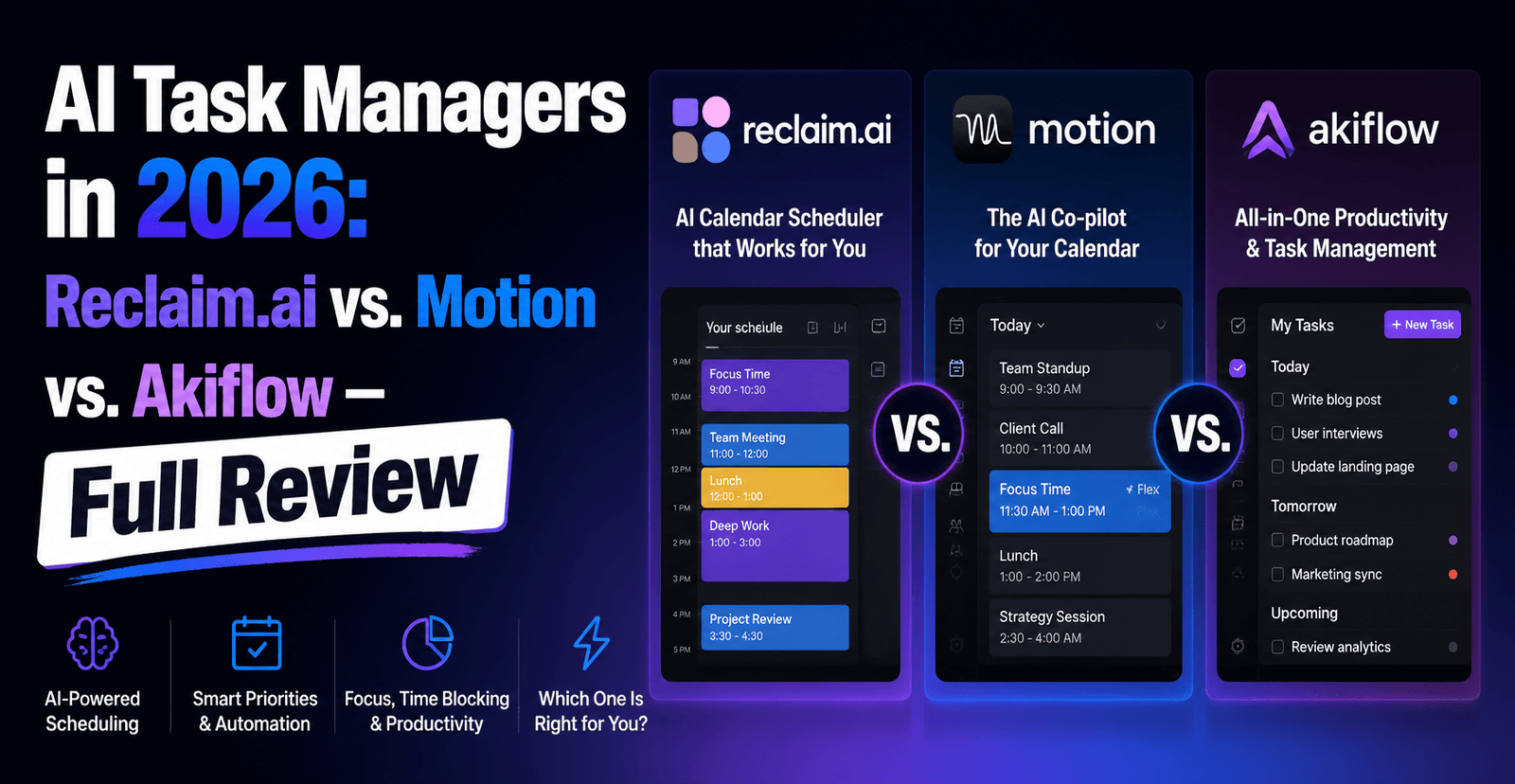
AI Task Managers in 2026: Reclaim.ai vs. Motion vs. Akiflow — Full Review
Traditional to-do lists have a fatal flaw: they tell you what needs doing, but never when you’ll actually do it. A new category of AI task managers has emerged specifically to close that gap, automatically slotting tasks into your calendar based on priority, deadline, and available time. The Topiry Team compared three of the leading tools in this space — Reclaim.ai, Motion, and Akiflow — to figure out which approach to AI-driven scheduling holds up under a genuinely busy week.
Why “Smart” Task Managers Exist Now
The rise of hybrid work fragmented calendars into an unpredictable mix of meetings, deep work, and personal commitments, all competing for the same finite hours. Static to-do lists can’t react to that fragmentation — a plan made on Monday morning is often obsolete by Monday afternoon. AI task managers solve this by treating your calendar as a living, constantly-recalculating system rather than a static plan.
Reclaim.ai: Habit Protection First
Strengths
- Built around “habits” — recurring personal commitments like exercise, lunch, or focus time — that get defended on your calendar with the same priority logic as a meeting.
- Smart 1:1 scheduling that automatically finds mutually available time between two people’s calendars.
- Task prioritization that adapts in real time as deadlines approach or new higher-priority items appear.
- Deep Google Calendar integration, which makes it a natural fit for teams already living inside Google Workspace.
Weaknesses
Reclaim leans heavily on Google Calendar, so teams on other calendar platforms may find the experience less polished. Its project management capabilities are also lighter than dedicated tools — it’s primarily a scheduling layer, not a full project tracker.
Motion: The All-in-One Scheduler and Project Tool
Strengths
- Combines individual task auto-scheduling with team project management, giving managers visibility into workload distribution.
- Aggressive automatic re-planning — when a meeting is added or cancelled, the rest of the day’s task order updates almost immediately.
- A single tool covering both personal scheduling and lightweight project tracking, reducing the need for a separate PM tool for smaller teams.
Weaknesses
Because Motion is so opinionated about how your day should be structured, users who prefer granular manual control sometimes find it fights their instincts, at least until they adjust to trusting the algorithm.
Akiflow: The Universal Task Aggregator
Strengths
- Pulls tasks from multiple sources — email, Slack, project management tools, and more — into a single unified daily planner.
- A strong “time blocking” workflow that lets users manually drag tasks onto a calendar, with AI assistance suggesting optimal placement.
- Particularly useful for people whose work is scattered across many disconnected tools and who need one place to see everything that needs doing today.
Weaknesses
Akiflow’s automation is somewhat less “hands-off” than Reclaim or Motion — it’s designed to assist manual time-blocking rather than fully automate scheduling decisions, which some users prefer and others find to be extra manual work.
Side-by-Side Comparison
| Feature | Reclaim.ai | Motion | Akiflow |
|---|---|---|---|
| Core approach | Habit & time defense | Full auto-scheduling | Unified task aggregation |
| Project management | Light | Moderate to strong | Light |
| Automation level | High | Very high | Medium (assisted manual) |
| Best calendar fit | Google Calendar | Google & Outlook | Google & Outlook |
| Ideal user | Individuals wanting protected habits | Managers needing team + personal scheduling | People juggling many disconnected tools |
A Week in the Life: How Each Tool Handled a Disrupted Schedule
To stress-test all three, the Topiry Team deliberately introduced chaos mid-week — last-minute meetings, a cancelled call, and a rush deadline. Reclaim quietly rescheduled personal habits around the new meetings without any manual intervention, prioritizing the newly urgent items automatically. Motion re-planned the entire remaining day within moments of the calendar changing, effectively reshuffling the whole task queue. Akiflow required a bit more manual re-dragging of tasks, though its unified view made it fast to see everything that needed attention across every source at once.
Which One Should You Actually Pick?
If your main struggle is protecting personal time and habits from being swallowed by meetings, Reclaim.ai is the most targeted solution. If you need both personal scheduling and lightweight team project management in a single subscription, Motion offers the broadest coverage. If your work is scattered across many disconnected apps and you just want one daily view of everything, Akiflow‘s aggregation approach is hard to match.
Frequently Asked Questions
Do these tools work with Outlook as well as Google Calendar?
Motion and Akiflow both support Outlook alongside Google Calendar; Reclaim.ai is most fully featured on Google Calendar specifically.
Is full automation actually better than manual time-blocking?
It depends on your working style. Full automation (Reclaim, Motion) removes decision fatigue but requires trust in the algorithm; assisted manual blocking (Akiflow) keeps more control in your hands at the cost of a bit more daily maintenance.
Can I use more than one of these at the same time?
Technically yes, but since all three compete for control over your calendar, running them simultaneously usually creates conflicting schedule changes rather than complementary benefits. Pick one as your primary scheduler.
This review is part of Topiry’s ongoing AI Software In-Depth Reviews series, testing AI productivity tools against real, disrupted workweeks rather than idealized demos.
About the Author